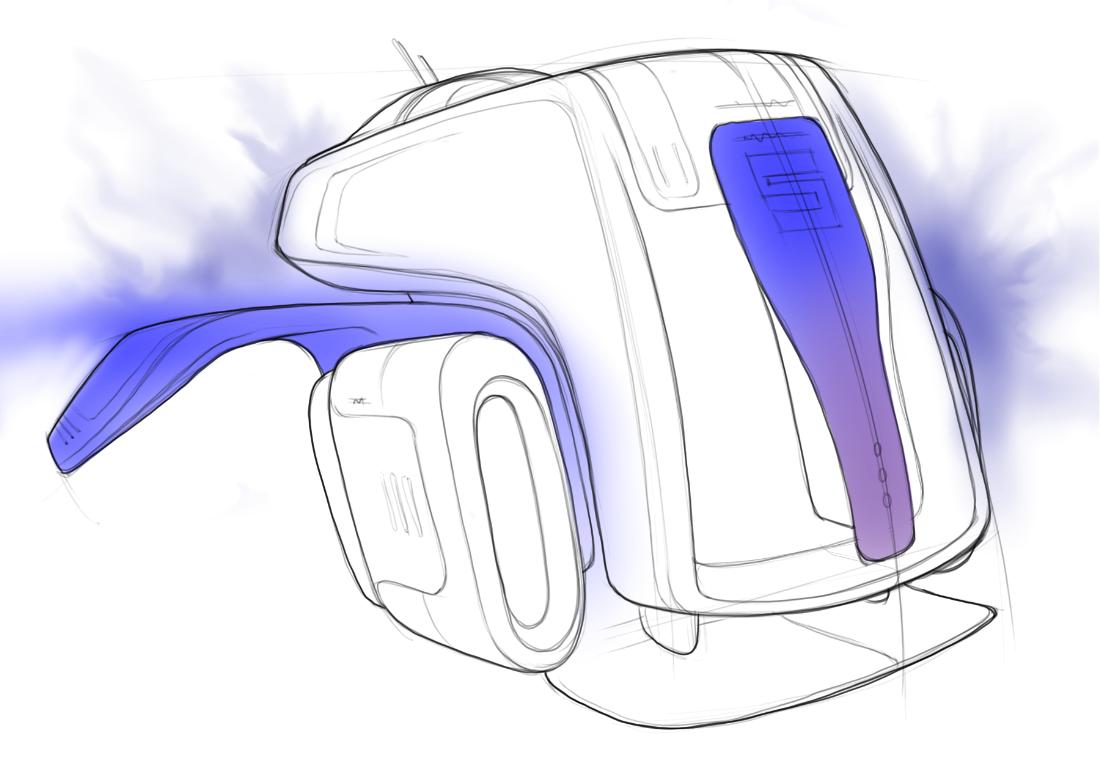
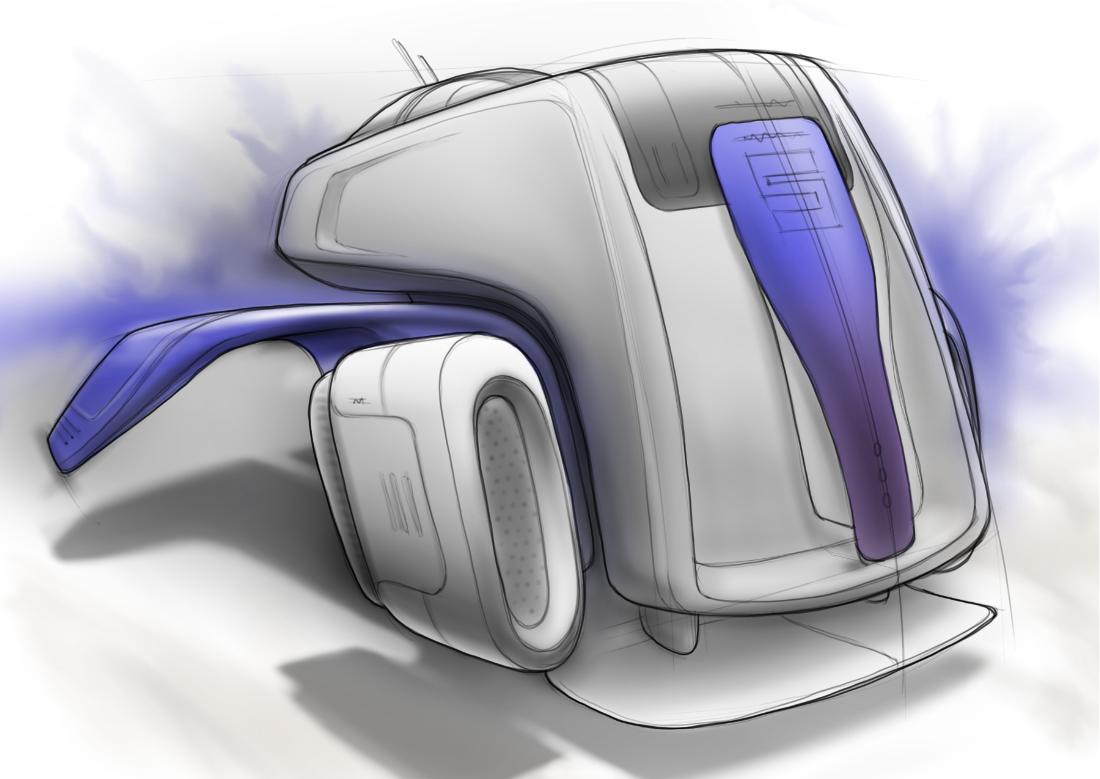
OK, this is a sketch I did on a plane ride from SFO to ATL earlier this year. It was a little over an hour. It is mostly a concept sketch to capture an idea.
Step 01 Line-work
Single layer to capture the shape and details.
Hope this helps anyone see a little more into my technique for fast concept sketches with a little detail. As with my other demo, this is 100% digital on a tablet PC. Now paper of guides.
What type of laptop tablet PC do you have? I’m thinking about purchasing a WACOM Cintiq and have the feelings that a laptop tablet PC would be beneficial due to it’s portable capabilities.
Thanks! I am currently using a Gateway. It is nice, and I travel with it for work. Keep in mind that the tablet PC market uses Wacom Technology. If you go to the Wacom site, they talk about how they sell thier technolgy to the tablet PC market. Mine has a Wacom logo right on it. In addition, it was under $2K US and is a full computer…that can also run Solidworks.
Do you know how many pressure levels the pen has? It doesn’t mention it on the specs page, see below.
Wacom® Stylus
This latest pen sensor technology provides a natural, intuitive way to navigate and communicate with the computer—and the pressure-sensitive stylus is comfortable and battery free.
nice. guess i didn’t read the post title, but i thought it was backpack until i scrolled down to the final pic with the “cockpit” text labels and thought “WTF?” and scrolled back up!
Once again, Blaster schools us all with his 1337 skills!
Blaster,
Do you use layers and then draw/erase for each color? There are no good Sketchbook tutorials showing methods using the tools. I would like to request that one next. Keep em coming!
I recently got a Tablet. How long did it take for you to start getting adjusted to using a tablet vs. using traditional media? Do you have any ideas or tips that would help in shortening the learning curve? Thanks.
Thanks! Your question is very good. Actually, these images are the layers I used to create this sketch. They just follow the steps I used. I erase as needed for color fill or HLS.
kwilson7,
The key is to force yourself to complete a sketch. There have been many times where I am not happy with how a sketch is going. The open wheel race car for example on my coroflot page. It looked crappy as I was about 1/3 of the way. I was pissed so I turned off the machine. The next day I forced myself to finish it, and it came out better than expected.
As mentioned above, use layers and draw, draw, draw and draw some more.
Also make sure you machine is calibrated to you and set to the hand you draw with. Lastly, find a pen/brush you like. You may have to make a custom one that mimics the drawing tool you use most on paper.
This is probably . . . a very retarded question. I just downloaded this program yesterday, and I learned most of it pretty fast.
The only question I have . . . Is how is the best way to stay in the lines? :'D
What I’ve been doing so far is coloring all over the place, then using the lasso tool to delete the parts that I don’t want. If I try to color in the lines starting from the beginning, I have a hard time using big fluffy brushes.
Basically what I’m asking, is if there is any magic selection tools to select a specific area? Or a way I can lock the basic tones in place so I can shade it without going out of the lines? I’m used to the lock tool on Photoshop . . . So it’s odd for me to have a lock tool that doesn’t let you color on that layer at all . . .